
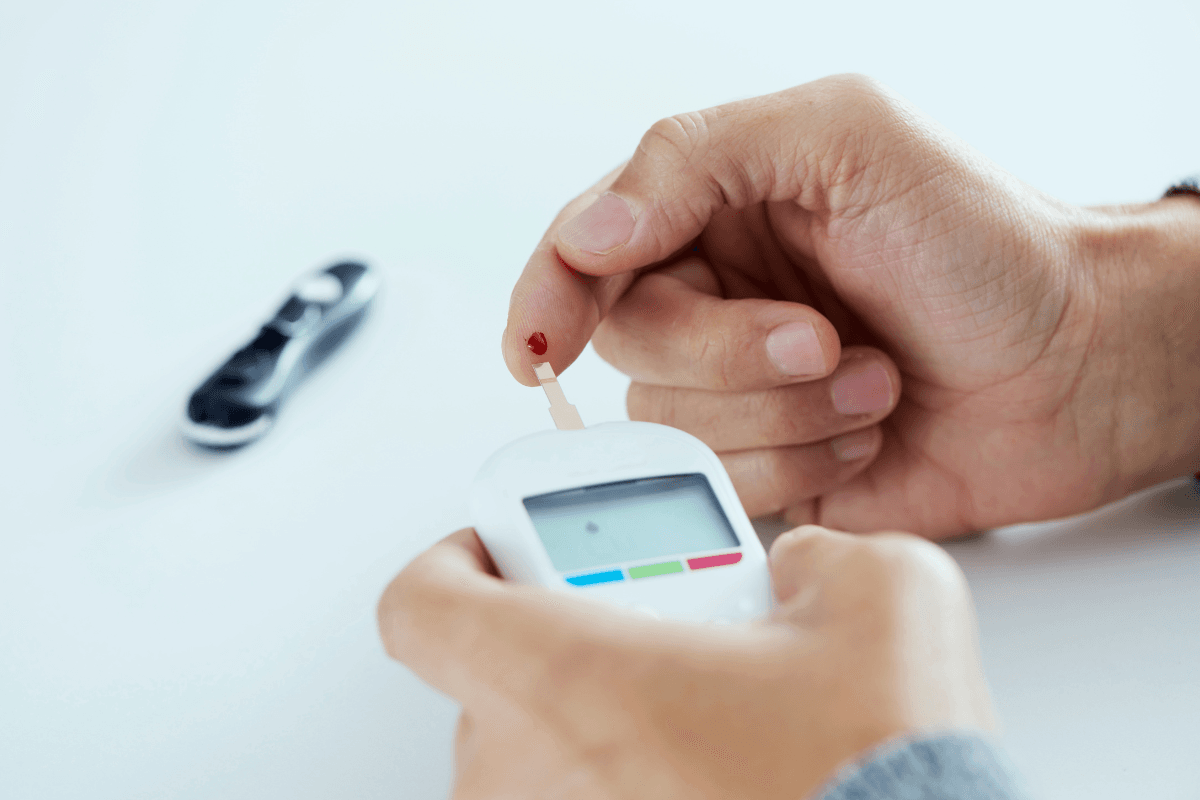
OneTouch Verio is a blood glucose meter family used for fingerstick glucose checks at home. It can support diabetes tracking when the meter, compatible strips, clean sampling technique, and result log all work together. The reading is useful context for your care plan, but it does not replace lab testing or clinical advice.
Key Takeaways
- Home readings are context: a meter result reflects one sample at one moment.
- Strip compatibility matters: use the strip type named in the meter instructions.
- Clean hands improve reliability: food residue can distort fingerstick results.
- Testing times vary: your schedule should match your treatment plan.
- Unexpected patterns need review: repeated highs, lows, or symptoms deserve follow-up.
How OneTouch Verio Fits Into Glucose Tracking
A home glucose meter checks capillary blood glucose, meaning glucose in a small fingerstick blood sample. People use these readings to understand patterns around meals, activity, illness, stress, and medicines. For a broader orientation, see this overview of Glucose Monitors And Meters.
The Verio Flex model is one device in this family. A page for the OneTouch Verio Flex Meter can help you confirm which meter is being discussed, but the safest setup details still come from the user manual included with your device.
Availability questions can be confusing because older meters, newer meters, and related models may appear side by side. If you wonder whether a model has been discontinued, check current manufacturer information or ask your pharmacist or supplier. Do not rely on older listings alone.
Why it matters: Accurate tracking depends more on correct use than on the meter name alone.
Setup Checks Before Your First Reading
Before testing, make sure the meter is ready to record a result that you can interpret later. Date and time settings matter because a misplaced timestamp can make fasting, before-meal, and after-meal readings hard to compare. If the meter pairs with an app, confirm that the device and app show matching dates.
Start with the instructions that came with the device. They should explain batteries, display symbols, strip insertion, sample application, cleaning limits, and when to use control solution. Control solution is a testing liquid with a known glucose range. It helps check whether the meter and strip system are working as expected.
- Check the strip name: confirm the strip matches the meter.
- Review the expiry date: expired strips may give unreliable results.
- Store strips properly: keep the vial closed and dry.
- Set date and time: logs need accurate context.
- Inspect the lancet: use a clean lancet each time.
- Know the symbols: do not guess at error messages.
If test strip handling is new, this primer on Diabetic Test Strips Use explains common storage and handling issues that can affect readings.
A Plain-Language Testing Workflow
Using the Verio Flex meter usually involves preparing the strip, obtaining a small blood sample, applying the sample correctly, and saving the result with enough context. The exact sequence can vary by model, so follow the manual rather than memory or another person’s meter routine.
- Wash your hands with soap and warm water, then dry them fully.
- Insert the compatible test strip as described in the meter instructions.
- Use a lancing device on the side of a fingertip unless instructed otherwise.
- Apply the blood sample to the strip only where the manual shows.
- Wait for the meter result, then record the time and situation.
- Discard the used lancet and strip safely according to local rules.
Some people ask why certain instructions mention wiping away the first drop of blood. Food, lotion, or moisture on the skin can affect a sample. If hands are clean and dry, some meter instructions may allow the first drop. If hands cannot be washed, or if a result seems inconsistent with symptoms, your care team may suggest retesting with a fresh sample.
Testing time should not be guessed. Common check points may include fasting, before meals, after meals, bedtime, during symptoms, or during illness. Your clinician may recommend different timing if you use insulin, take medicines that can cause hypoglycemia (low blood sugar), are pregnant, or have frequent unexplained readings.
Fingerstick comfort also matters. If the lancing step is difficult, this overview of What Is A Lancing Device explains the basic tool used to obtain a small blood sample.
Reading Results Without Overreacting
A OneTouch Verio meter gives one reading at one moment. It does not explain the cause by itself. A single high or low value may reflect food timing, medication timing, exercise, stress, illness, strip handling, or sampling technique. Patterns are usually more useful than isolated numbers.
Units can also create confusion. In Canada and many other countries, glucose is commonly shown in mmol/L. In the United States, mg/dL is common. The calculator below helps convert between units, so you can compare logs or instructions that use different formats. It does not interpret whether a result is safe for you.
Blood Glucose Unit Converter
Convert glucose readings between mg/dL and mmol/L without changing the clinical value.
These calculations are for education only and do not replace clinical advice, diagnosis, or treatment. Always confirm medical decisions with a qualified healthcare professional.
If you are unsure how your targets are defined, review them with your diabetes care team. This article on Safe Diabetes Numbers gives general context, but personal targets can differ by age, pregnancy, medications, kidney disease, hypoglycemia risk, and other health factors.
Symptoms should carry weight. Hyperglycemia (high blood sugar) can cause thirst, frequent urination, fatigue, blurry vision, or nausea. Low blood sugar can cause sweating, shakiness, confusion, weakness, or fainting. If symptoms and a meter result do not match, wash your hands, retest if appropriate, and seek clinical guidance when symptoms are severe or persistent. For warning-sign context, see High Blood Sugar Symptoms.
Strips, Control Solution, and Compatibility
OneTouch Verio test strips are designed for compatible Verio-family meters, but you should still check the strip package and meter manual before testing. Test strips are not interchangeable across all meters. A strip that fits physically is not enough; the meter system must be designed for that strip.
If you are checking the specific strip item, the OneTouch Verio Test Strips page can help identify the supply being discussed. Use the manual and package insert for storage conditions, control ranges, and limits after opening.
Control solution can be useful after a new strip vial is opened, if the meter has been dropped, if results seem unusual, or when the manual recommends a check. A control result outside the printed range does not diagnose a glucose problem. It suggests the meter, strip, solution, or testing technique needs review before relying on patient readings.
Prescription and documentation rules vary by product, payer, and location. Some supplies may be available without a prescription, while reimbursement or referral services may require details from a prescriber. Where documentation is required, CanadianInsulin.com can help verify prescription details with the prescriber.
Troubleshooting Signals and Accuracy Factors
Most meter problems are practical rather than mysterious. The first step is to slow down and check the basics: strip type, strip expiry, sample size, battery status, display symbols, and whether the strip port is clean and dry. Do not use a reading for treatment decisions if the meter clearly shows an error state.
- Small sample: the strip may not fill correctly.
- Wet hands: water can dilute or spread blood.
- Food residue: sugar on fingers can raise results.
- Old strips: expiry and storage can matter.
- Temperature extremes: meters and strips have use limits.
- Low battery: power issues can interrupt testing.
The PC message is a common source of confusion in searches. On some meter systems, PC may relate to communication with a computer, app, or data-transfer mode. Check the exact manual for your model. Treat it as a device message, not as a blood glucose result.
If a reading seems impossible, repeat the basics before drawing conclusions. Wash and dry your hands, use a fresh compatible strip, confirm the sample was applied correctly, and consider a control solution check if the manual recommends one. If the result still conflicts with symptoms, contact a clinician or pharmacist.
Choosing Among Related Meters and Supplies
The right meter is the one you can use correctly and consistently. Some people value a simple display. Others need app pairing, data sharing, or a meter that is easier to hold. A related model may offer different prompts or data features, but those features only help if they fit your routine.
Decision factors that matter
- Strip system: confirm ongoing access to compatible strips.
- Display readability: large numbers may reduce errors.
- Data capture: logs, apps, or downloads can support pattern review.
- Dexterity needs: strip handling and lancing should be manageable.
- Care-team workflow: choose a format your clinician can review.
If you are comparing device types, this article on Best Glucometer For You covers practical features to consider. People who want a wider device comparison may also find Different Types Of Glucometers useful.
Continuous glucose monitors, lab glucose tests, and home meters answer related but different questions. A home meter can be helpful for immediate fingerstick checks. A lab test may be used for diagnosis or broader assessment. A continuous glucose monitor shows trends over time but can lag behind blood glucose during rapid changes.
When to Ask for Clinical Help
Ask for clinical guidance if readings are repeatedly outside your agreed target range, if you have frequent hypoglycemia, or if you cannot explain a sudden change in patterns. Do the same if illness, vomiting, dehydration, pregnancy, new medicines, steroid use, or major diet changes affect your results.
Seek urgent care for severe symptoms such as confusion, fainting, chest pain, trouble breathing, severe weakness, repeated vomiting, or signs of dehydration. People who have been told to check ketones should follow their care plan during illness or sustained high readings. Do not stop, start, or change diabetes medicine based only on a general article.
Quick tip: Bring your meter, strips, and log to appointments when readings seem inconsistent.
Authoritative Sources
- FDA blood glucose monitoring device information explains home-use meter safety and limitations.
- American Diabetes Association blood sugar checking guidance outlines why monitoring may be recommended.
- Official Verio Flex meter information from OneTouch Canada supports device-specific feature checks.
Use the device manual for model-specific instructions, and use your care plan for target ranges and testing frequency. For broader diabetes education, you can browse the Diabetes Articles hub.
This content is for informational purposes only and is not a substitute for professional medical advice.