
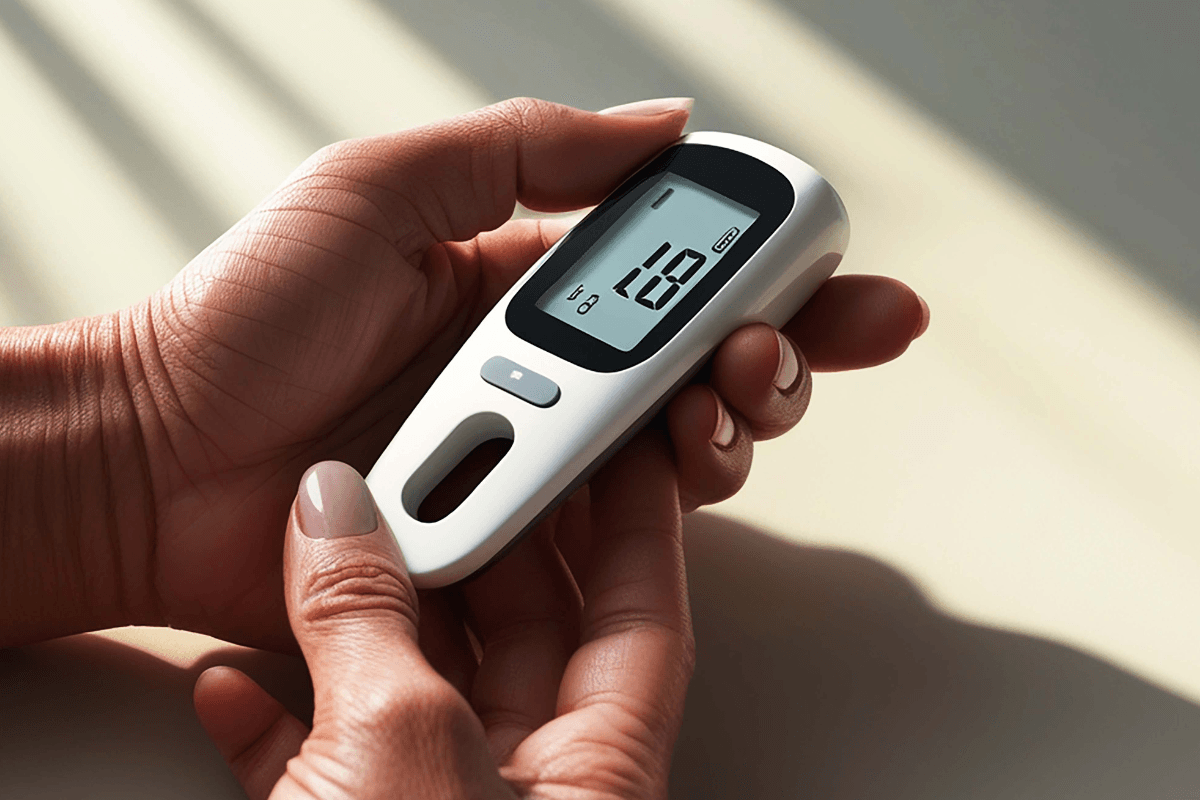
If you are asking what is the best blood glucose meter, the safest answer is: the one that gives reliable readings, fits your hands and vision, uses strips you can keep stocked, and matches your diabetes care plan. A highly rated meter can still be a poor fit if the screen is hard to read, the strips are difficult to handle, or the results are hard to share with your clinician. The right device supports day-to-day decisions without turning every check into guesswork.
Key Takeaways
- Best depends on fit: accuracy, strip access, readability, and ease of use matter most.
- Accuracy is partly technique: handwashing, strip storage, and sample quality can change results.
- Strips drive ongoing use: choose a meter only after checking compatible supplies.
- CGMs are different tools: they show trends, while meters measure a blood sample.
- Clinician context matters: monitoring plans vary by medication, symptoms, and diabetes type.
What Is the Best Blood Glucose Meter for Your Needs?
The best meter is the one you can use correctly, consistently, and safely in real life. For many people, that means a device with a clear screen, simple strip insertion, enough memory, and test strips that are easy to obtain. For others, it means a meter that connects to an app, shares data with a caregiver, or works well for larger hands and low vision.
A blood glucose monitoring system is more than the meter itself. It usually includes compatible test strips, a lancing device, lancets, control solution when recommended by the manufacturer, batteries or charging equipment, and a logbook or app. If one part of that system is inconvenient, the whole routine can become harder to sustain.
A better version of what is the best blood glucose meter is this: which meter is most dependable for your routine, your dexterity, your eyesight, your budget, and your care team’s monitoring instructions. That framing is more useful than chasing one universal winner. Diabetes monitoring is personal because meals, activity, illness, medication, and symptoms all affect when and why readings matter.
For broader educational context, the Diabetes Articles category collects related diabetes topics. Food choices can also affect readings, and the page on Sugar Alcohols explains one label issue that often confuses people tracking carbohydrates.
Accuracy: Know What Can Shift a Reading
Glucose meter accuracy depends on both device standards and user technique. Regulated meters for home use must meet performance expectations, but no home reading is perfect. Two readings taken minutes apart may not match exactly, especially if they come from different meters, different fingers, or strips stored in different conditions.
Several everyday issues can affect a result. Expired strips, damaged strips, an unwashed finger, lotion residue, food residue, very cold hands, a small blood sample, or strips left open to humidity can all interfere. Some meters require coding or calibration steps, while others do not. Always follow the manufacturer’s instructions for that specific model.
Why it matters: A precise-looking number can still be affected by strip handling or technique.
Accuracy also depends on how you interpret the number. A meter reading is a point-in-time result, not a full picture of your glucose pattern. If a reading does not match how you feel, repeat the test as directed by your care plan or contact a healthcare professional. Severe symptoms, confusion, fainting, chest pain, persistent vomiting, or signs of severe dehydration need urgent medical attention.
When people search for the most accurate blood glucose meter, they often want a brand name. In practice, accuracy is only one part of reliability. A meter that is technically strong but difficult to use can lead to missed checks or technique errors. A practical choice balances accuracy, usability, and supply access.
Features That Matter More Than Brand Hype
A blood glucose meter comparison should focus on features that change daily use. Brand reputation may help you narrow the field, but the better question is whether the device fits your routine. The table below shows the main decision factors.
| Feature | Why It Matters | Questions to Ask |
|---|---|---|
| Readable display | Large numbers, backlighting, and contrast can help during tired or low-light checks. | Can you read it without strain? |
| Strip handling | Small strips can be difficult for people with neuropathy, tremor, or arthritis. | Can you insert and remove strips easily? |
| Sample size | Some meters need less blood, which may reduce repeat attempts. | Do you often struggle to get enough blood? |
| Memory and app links | Stored readings can show patterns and support clinic visits. | Do you need sharing, export, or caregiver access? |
| Audio or prompts | Prompts may help users with low vision or memory concerns. | Would spoken cues or alerts make testing easier? |
| Supply availability | Strips and lancets are recurring needs, not one-time accessories. | Can you keep compatible supplies stocked? |
For seniors, the best glucometer for diabetes is often the simplest reliable option. A large screen, easy strip port, sturdy case, and minimal menu steps may matter more than advanced app features. Caregivers may value memory storage and date-stamped readings, especially when several people help with medication, meals, or appointments.
For people who travel, work shifts, or check outside the home, portability becomes more important. A compact case, durable strip vial, and quick setup can reduce friction. If you often test at night, a backlit screen and strip-port light may be useful.
Meters and CGMs Measure Glucose Differently
A finger-stick meter and a continuous glucose monitor are not the same tool. A traditional meter measures glucose from a small capillary blood sample. A CGM uses a sensor under the skin to estimate glucose in interstitial fluid, which is the fluid around cells. Because they measure in different places, readings may not always match at the same moment.
CGMs can show trends, arrows, and alerts. That can help some people notice rising or falling glucose earlier. However, a CGM is not simply a blood sugar monitor without finger pricks for everyone. Some systems may still require finger-stick confirmation in specific situations, such as symptoms that do not match the sensor reading, sensor warm-up periods, or device alerts.
A meter remains useful as a backup, even for many CGM users. It can confirm a reading before a treatment decision when your care plan calls for confirmation. It can also help when a sensor is unavailable, detached, or giving results that seem inconsistent with symptoms.
If you are comparing a blood glucose meter vs CGM, discuss the purpose of monitoring with your clinician. People using insulin, those with frequent lows, and those needing tighter pattern review may have different needs than someone checking less often. Related medication safety discussions include Basaglar Side Effects and Tresiba Side Effects, which can help frame questions for a prescriber.
Using Results Without Losing the Bigger Picture
Meter readings are most useful when you pair the number with context. Time of day, meals, exercise, illness, stress, alcohol, missed doses, and medication changes can all influence glucose. A single reading may be less informative than a pattern across several days.
A1C and meter readings also answer different questions. A1C gives a longer-term estimate of average glucose exposure, while a meter shows a specific moment. A normal or high point-in-time reading does not replace lab monitoring. Likewise, a supplement claim should not replace evidence-based diabetes care, medication review, nutrition support, or follow-up testing.
Some meters, lab reports, and education materials use different glucose units. This converter can help compare mg/dL and mmol/L when records use different units. It is a unit conversion tool, not medical advice.
Blood Glucose Unit Converter
Convert glucose readings between mg/dL and mmol/L without changing the clinical value.
These calculations are for education only and do not replace clinical advice, diagnosis, or treatment. Always confirm medical decisions with a qualified healthcare professional.
Do not use converted values to change medication doses on your own. If your readings repeatedly fall outside the range your clinician set, bring your meter, strips, and log to a medical appointment. That lets your care team review both the numbers and the testing technique.
How to Use a Glucose Meter More Reliably
Reliable use starts before the blood sample touches the strip. A good routine reduces avoidable errors and helps your clinician interpret results. Follow the instructions for your specific meter, because steps can differ by model.
- Wash and dry hands: food residue can distort readings.
- Check strip dates: expired strips may be unreliable.
- Store strips properly: heat and humidity can damage them.
- Use matched supplies: strips must fit the exact meter.
- Apply enough blood: underfilled strips may cause errors.
- Log the context: note meals, symptoms, exercise, or illness.
- Bring the meter: clinic comparisons can reveal technique issues.
Quick tip: Keep strips closed until use and avoid storing them in a hot car.
If finger pain is a barrier, ask a healthcare professional about lancet depth, finger rotation, and whether alternate-site testing is suitable. Alternate sites may lag behind fingertip readings during rapid glucose changes, so they are not always appropriate. Your care team can explain when a fingertip check is safer.
People using medicines that can lower glucose may need a clear plan for symptoms of hypoglycemia, or low blood sugar. That plan should include when to recheck, what fast-acting carbohydrate source to use, and when to seek help. If you cannot swallow safely, become confused, faint, or have severe symptoms, urgent care is needed.
Comparing Brands Without Chasing One Winner
Accu-Chek vs OneTouch is not a medical superiority question. Both are established meter families, and individual models can differ in screen design, strip handling, app features, memory, and supply access. The better comparison is the exact model, not only the brand name on the box.
When asking what is the best blood glucose meter, avoid ranking brands by reviews alone. Reviews may highlight comfort, convenience, or frustration, but they cannot tell you whether a device fits your prescription coverage, dexterity, vision, or clinician’s documentation needs. A meter that works well for a tech-comfortable adult may not work well for an older adult who wants fewer menus.
Think about support needs too. Some users want Bluetooth transfer and downloadable reports. Others prefer a simple logbook and a meter that stores recent readings. If a caregiver helps, look for readable timestamps and simple navigation. If privacy matters, review how app-based tools store and share health data before connecting them.
Medication context can also shape monitoring needs. Appetite changes, gastrointestinal side effects, dose adjustments, or illness may affect eating patterns and glucose routines. If you use injectable diabetes medicines, related pages such as Mounjaro Side Effects, Ozempic Safety, and Victoza Benefits and Side Effects may help you prepare more focused questions for your clinician.
Access, Supplies, and Ongoing Costs
A meter is only useful if you can maintain the supply chain around it. Test strips are model-specific, and lancets, control solution, batteries, and app accessories may add ongoing costs. Before choosing a device, check whether the strips are easy to obtain and whether your care plan requires a particular type of documentation.
Some people compare cash-pay options without insurance, but eligibility and jurisdiction can affect access. If your meter choice connects with prescription-only diabetes supplies or medicines, keep documentation organized. For prescription-only diabetes items, CanadianInsulin.com may help confirm prescription details with the prescriber where permitted. Dispensing is handled by licensed third-party pharmacies when permitted.
Navigation hubs can help you separate education from product browsing. The Diabetes Condition Hub lists condition-related options, while the Diabetes Product Category is a shopping hub for diabetes-related products and filters. These pages do not replace advice from a clinician who knows your glucose targets, medications, and medical history.
When you narrow your choices, bring the shortlist to a pharmacist, diabetes educator, nurse, or prescriber. Ask whether the model fits your testing plan, whether compatible strips are practical, and whether app reports are useful for your clinic. This step is especially important if you have low vision, hand dexterity problems, kidney disease, pregnancy, frequent hypoglycemia, or complex medication changes.
Authoritative Sources
- FDA guidance on blood glucose monitoring devices — device oversight, performance expectations, and safety context.
- NIDDK overview of continuous glucose monitoring — how CGM sensors work and how they differ from finger-stick testing.
- MedlinePlus blood glucose test information — plain-language background on glucose testing and result interpretation.
The most useful choice is usually not the flashiest device. It is the meter you can use correctly, maintain affordably, and discuss clearly with your care team. If you still wonder what is the best blood glucose meter, start with accuracy, strip access, readability, and your monitoring plan before comparing brand names.
This content is for informational purposes only and is not a substitute for professional medical advice.